
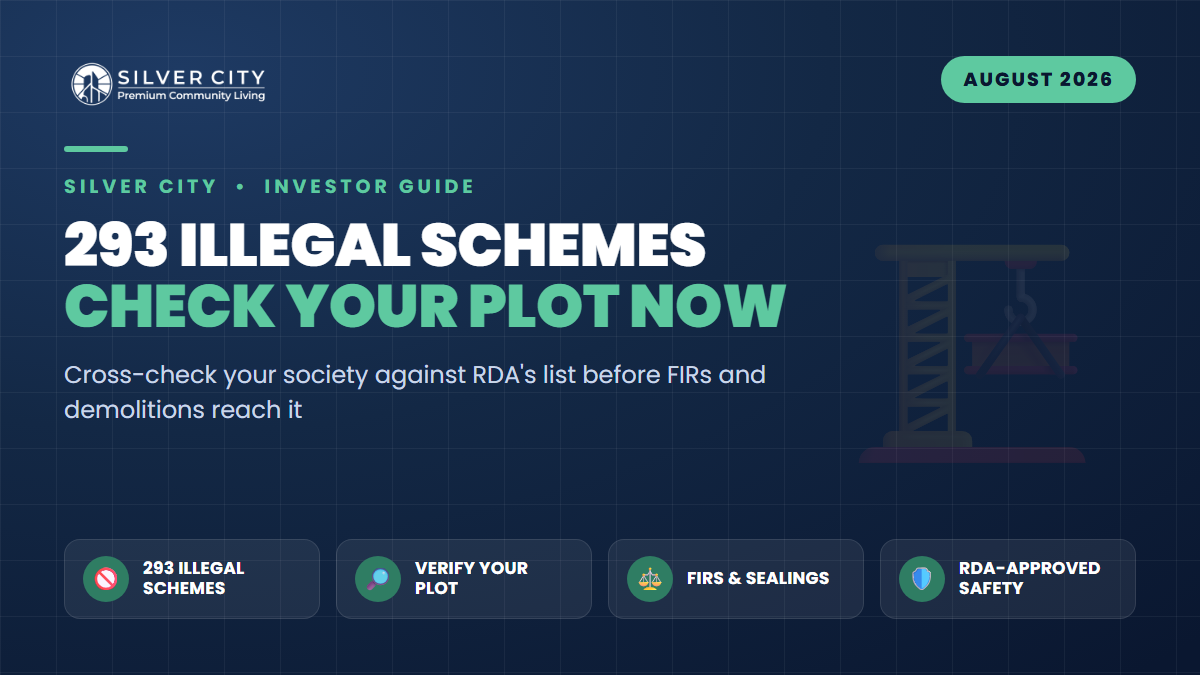
The Rawalpindi Development Authority (RDA) has moved from warnings to hard enforcement. After years of scattered notices, RDA has now published a consolidated list of 293 unapproved/illegal housing schemes spread across Municipal Corporation Rawalpindi and the tehsil and district councils of Rawalpindi, Taxila, Gujar Khan, Kallar Syedan and Kahuta. More importantly, it has started acting on that list, registering FIRs, sealing site offices, banning transactions and demolishing illegal structures.
If you own a plot or file anywhere in the Pindi region, this is not background noise. A scheme appearing on that list can freeze your ability to sell, build or even transfer overnight. This guide walks you through exactly how to check your society against the list, how to read the result, and the decision every affected holder now faces: regularize or exit.
What Exactly Did RDA Announce?
Acting under the Punjab Development Authorities Private Housing Schemes Rules, 2021, RDA declared 293 schemes unauthorized for a range of violations, launching and marketing without formal approval, submitting incomplete applications, withdrawing applications after legal proceedings began, developing land beyond what was applied for, and selling plots on layouts that were never signed off by the competent authority.
The enforcement toolkit RDA is now using includes:
- Statutory and show-cause notices to sponsors and developers.
- Registration of FIRs against illegal sponsors.
- Sealing of site offices and project sites.
- Demolition of illegal structures, roads and amenities.
- Bans on land transactions (sale, transfer, mutation).
- Referral to the FIA Cyber Crime Wing for illegal online advertisements and financial irregularities.
Crucially, RDA has publicly stated it holds no responsibility for financial losses suffered by buyers (including overseas Pakistanis) who invest in these schemes. In other words, the burden of due diligence now sits entirely on the buyer.
Step-by-Step: Cross-Check Your Society and Plot
- Go to the official RDA website, www.rda.gop.pk. Do not rely on WhatsApp forwards, agent screenshots or third-party blog lists, which are often outdated or edited.
- Open the “Approved Housing Schemes” section and search your society by name. There are currently around 82 approved private housing schemes in Rawalpindi district, if yours is not among them, treat that as a red flag until proven otherwise.
- Read the exact approval status. RDA lists precise wording, not a simple yes/no. Statuses range from strong (“Final NOC Issued”, “Final Sanction Issued”) to conditional (“Layout Plan / LOP Approved”, “Town Planning Approved”) to weak (“extension under process”, “not endorsed by RDA yet”, “illegal extension”, “final sanction not granted”).
- Match your specific block and plot number against the approved layout plan. A society can be approved overall while your particular block is an illegal extension outside the sanctioned boundary, a very common trap.
- Scan the 293 unapproved list for your scheme’s name and any known aliases or “phase” names. Fraudulent projects often rebrand to dodge recognition.
- Verify physically at the RDA One-Window Cell. Take your file, allotment letter and CNIC and get written confirmation of the scheme’s status and your plot’s position in the approved plan.
- Confirm the QR code. RDA-approved plans carry a QR code linking to official records, scan it and confirm it resolves to the RDA site, not a look-alike page.
How to Read Your Result
| What RDA shows | What it means | Recommended action |
|---|---|---|
| Final NOC / Final Sanction Issued | Fully approved scheme | Safe: confirm your block is inside the sanctioned plan |
| LOP / Town Planning Approved | Partial approval, process ongoing | Proceed with caution; get status in writing |
| Extension under process / not endorsed | Grey zone, not yet cleared | Hold; verify timeline before paying more |
| Illegal extension / final sanction not granted | Your block may be outside legal boundary | High risk: seek legal advice immediately |
| Name on the 293 list | Declared illegal/unapproved | Act now: regularize or exit |
If Your Scheme Is on the List: Regularize or Exit?
Being on the list does not automatically mean your money is gone, but it does mean you must act deliberately rather than wait and hope.
The case for regularization (staying)
Some listed schemes are not outright scams. They are developers who launched or extended without completing RDA approval. If the sponsor is genuine, holds the land title, and is actively pursuing approval, the scheme may eventually be regularized. Before betting on this, confirm three things: the developer’s land ownership, the stage of their RDA application, and whether the specific violation is curable (missing fees or plans are fixable; land they never owned is not). Organize with fellow allottees and demand written updates.
The case for exit (getting out)
If the scheme is a pure marketing operation with no land title, an FIR already registered, a sealed office, or a sponsor who has gone silent, treat it as a loss-limitation exercise. Options include seeking a refund directly from the developer, filing a complaint with RDA and the FIA Cyber Crime Wing, and pursuing recovery through the civil courts or a consumer forum. The earlier you file, the higher your standing when assets are frozen.
A Practical Timeline for Affected Holders
| Timeframe | Action |
|---|---|
| Week 1 | Verify status on rda.gop.pk and at the One-Window Cell; save screenshots and get written confirmation |
| Week 2-3 | Gather all documents: allotment letter, receipts, agreement, developer correspondence |
| Week 3-4 | Meet the developer for a status/refund answer in writing; join the allottees’ body |
| Month 2 | If no credible answer, file complaints with RDA/FIA and consult a property lawyer |
Frequently Asked Questions
My society is on the 293 list: will my plot be demolished?
Demolition targets illegal structures, roads and amenities built by the sponsor, not necessarily every individual holder. However, transactions can be banned and the scheme frozen. Confirm your plot’s exact status with RDA before assuming either the best or the worst.
Can a listed scheme still get approved later?
Yes. Some schemes are unapproved because paperwork, fees or layout plans are incomplete. These can be regularized if the developer owns the land and follows through. Schemes with no land title or a criminal FIR are far less likely to recover.
How do I verify a scheme is genuinely RDA-approved?
Only trust www.rda.gop.pk, the RDA One-Window Cell, and the official QR code on the approved plan. Cross-check the exact block and plot number, not just the society name, and get the status in writing.
I’m an overseas Pakistani: what protection do I have?
RDA has explicitly said it is not liable for losses in illegal schemes, so protection comes from prevention. Before sending money, have a trusted representative verify the scheme in person, insist on written RDA confirmation, and avoid schemes marketed only through social media.
The Bottom Line
RDA’s 293-scheme list is the clearest signal yet that “cheap plot, no approval” is no longer a gamble worth taking in Rawalpindi. Spend an afternoon verifying your holding today rather than discovering the problem when an office is sealed. And when you reinvest, anchor your money in schemes with a clean, verifiable status. Silver City, an RDA-approved housing society in Rawalpindi, is exactly the kind of documented, sanctioned option worth shortlisting when you want growth without the regulatory landmines, and its approval is one you can confirm through the very same RDA channels described above.