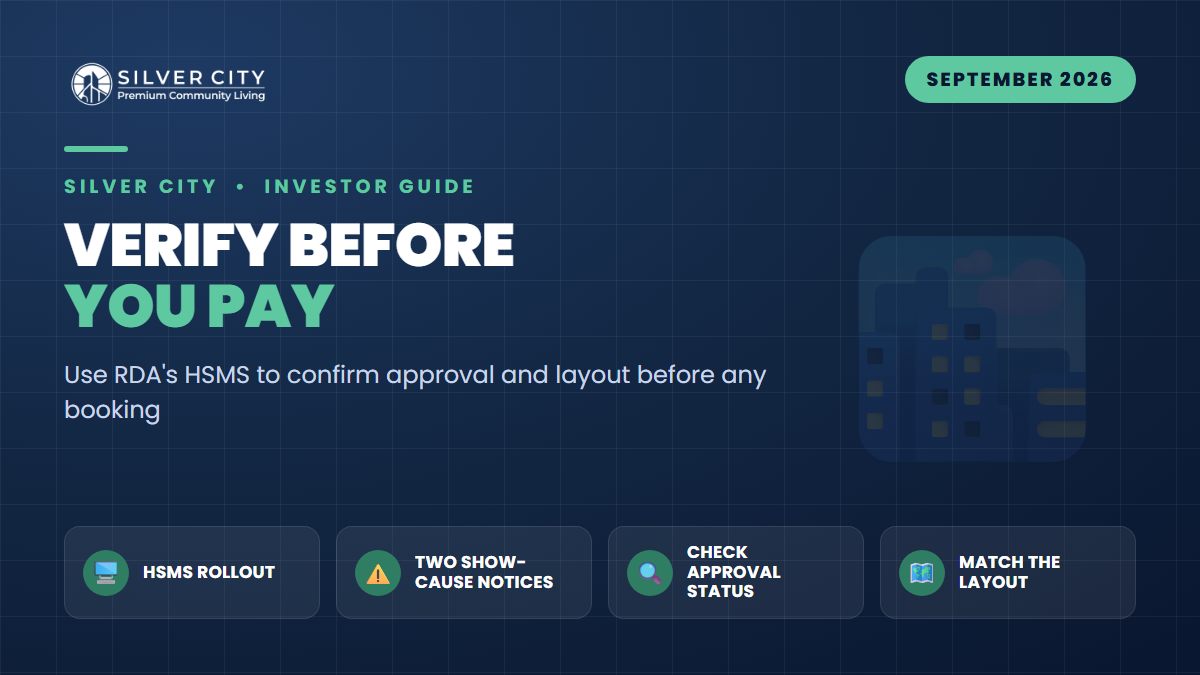
September 2026 gave Rawalpindi property buyers two headlines that belong side by side. First, the Rawalpindi Development Authority (RDA) rolled out a fresh facilitation layer on its Housing Societies Management System (HSMS) — a prescribed digital requirements checklist that lets scheme sponsors submit complete, correctly documented applications online instead of on paper. Second, in the same window, RDA issued fresh show-cause notices to two well-known projects for marketing and booking plots that fall outside their approved status.
Read together, the message to investors is blunt: the paperwork has gone digital, the approval trail is now easier to check, and RDA is actively penalising schemes that sell what was never sanctioned. If you are about to hand over booking money, the single most valuable habit you can build is verifying a scheme online before you pay — not after.
What Actually Happened in September 2026
On the direction of the Commissioner Rawalpindi Division and RDA Director General Salman Ghani, RDA operationalised HSMS and then published a prescribed requirements checklist through it. The Punjab Land Records Authority (PLRA) had cleared the system for RDA use. For sponsors, HSMS is now the front door: fresh applications, revisions and other admissible matters go through the portal, with documents uploaded and scrutinised digitally rather than shuffled through physical files.
In the same period, RDA’s enforcement side issued show-cause notices to two schemes. One large, well-marketed project was cited for publicity and booking of plots in blocks and sectors that were not part of its RDA-approved layout plan. The second was cited for marketing, advertising, and booking plots without the requisite NOC or sanction. Both were given seven days to reply or face further legal action. RDA’s public advice was unambiguous: verify the approved status and details of any housing scheme through the official website, www.rda.gop.pk, before investing.
Why “Approved Society” Is Not Enough
The first notice is the one every buyer should study. The scheme in question is a recognised name — yet it was penalised because specific blocks it was advertising were never on the sanctioned map. This is the trap: a society can be genuinely approved while a particular phase, block, or extension you are being sold is not. Approval is granular. It attaches to a specific land area and a specific layout, phase by phase.
That is exactly why the online layout check matters as much as the approval status. A dealer’s brochure showing “Block C” or a shiny new sector means nothing if that block does not appear on RDA’s approved layout plan.
The Exact Online Steps Before You Book
- Open the official RDA site directly — type www.rda.gop.pk into the browser yourself. Do not click a link from a marketing SMS, WhatsApp forward, or dealer’s website, which can point to look-alike pages.
- Go to the Private Housing Schemes / HSMS section and open RDA’s published list of approved schemes and the illegal/unapproved list.
- Search the exact society name as registered — not the marketing brand. Watch for near-identical names designed to ride on a reputable scheme’s goodwill.
- Match the exact phase and block you are being offered. Confirm the specific sector appears against that scheme, not just that the parent society exists.
- Read the status label carefully (see the table below). “Final NOC/Sanction Issued” is far stronger than “Layout Plan Approved,” which is stronger than “under process.”
- Open the approved layout plan and confirm the plot number, block, and land area you intend to buy sit inside the sanctioned map — the very check that caught the show-caused scheme’s unauthorised blocks.
- Cross-check the illegal/unapproved list to be sure the scheme or phase is not named there.
- Verify total approved land area against what is being marketed. Selling far more plots than the sanctioned area supports is a classic red flag.
- Confirm in person or in writing at RDA’s one-window/Directorate of Housing if anything is ambiguous, and keep a dated screenshot or printout of the status page for your record.
Reading RDA Status Labels
| Status shown | What it means | Buyer confidence |
|---|---|---|
| Final NOC / Final Sanction Issued | Scheme/phase fully cleared and sanctioned | Strongest |
| Layout Plan (LOP) Approved | Layout sanctioned; some final approvals may follow | Good — confirm the specific block |
| Town Planning / NOC in process | Application filed, not yet fully approved | Caution — not sell-ready |
| Not listed / Under process | No approval on record for that phase | High risk |
| On illegal / unapproved list | RDA action taken or pending | Do not book |
September 2026 Timeline at a Glance
| Event | Detail |
|---|---|
| HSMS operationalised | Digital platform for submitting and scrutinising PHS applications, cleared by PLRA |
| Facilitation checklist rollout | Prescribed requirements published via HSMS to reduce deficient applications |
| Show-cause notice — Scheme 1 | Booking of blocks outside the approved layout plan |
| Show-cause notice — Scheme 2 | Marketing/booking without requisite NOC or sanction |
| RDA public advisory | Verify approval and layout at www.rda.gop.pk before buying |
For context, Rawalpindi district currently has roughly 82 approved private housing schemes, while RDA has separately flagged well over a hundred schemes as illegal in recent years. Copied blog lists go stale quickly because status changes by phase, extension, or revised plan — so treat the live RDA portal as the only authority.
Frequently Asked Questions
Is HSMS something buyers log into, or is it for sponsors?
HSMS is primarily the sponsors’ application and scrutiny portal. Its benefit to buyers is indirect but real: because approvals, revisions, and documents now flow through one digital system, RDA’s published approval and layout information is more current and traceable. Buyers still verify through the public information and lists on www.rda.gop.pk.
The society is approved, so why check individual blocks?
Because approval is phase- and layout-specific. One of the September show-cause cases involved a recognised scheme booking plots in blocks that were never on its sanctioned map. Always confirm your exact phase, block, and plot appear on the approved layout, not just the parent society’s name.
What does a show-cause notice mean for someone who already booked?
It is a formal warning that the scheme may be violating planning law, with a short window to respond. It signals elevated risk: bookings in unapproved blocks can be unsellable or unbuildable. Anyone already committed should seek written clarification from RDA and, if needed, legal advice — and stop further payments until the status is clear.
Can a dealer’s file or allotment letter substitute for RDA verification?
No. Files, receipts, and glossy allotment letters have no bearing on whether RDA sanctioned the land or layout. Only the RDA record confirms legal status. Verify first, pay second — never the reverse.
The Takeaway
RDA’s digital shift and its enforcement drive point the same way: the safe buyer is the one who checks the portal before booking. Confirm the exact scheme, phase, block, status, and approved layout at www.rda.gop.pk, and keep dated proof. When you want a project whose approvals stand up to that scrutiny, an RDA-approved society such as Silver City is worth shortlisting — but even then, run the same verification steps yourself before you commit a single rupee.